Velopi’s Introduction to Project Scheduling with Microsoft Project guides students through the fundamentals of project scheduling and introduces the basic features of the Microsoft Project package. At the end of that course, the student should know how to create a project schedule from scratch using Microsoft Project.
This course takes off from here, taking a newly created project schedule and exploring how to manage it through the project’s executing phase. In the course of the day, we will explore resourcing in depth – including using a common resource pool to supply multiple projects. We will show how to compress the schedule and how to generate reports on progress. We will also introduce useful features to help project managers identify and communicate individual work assignments.
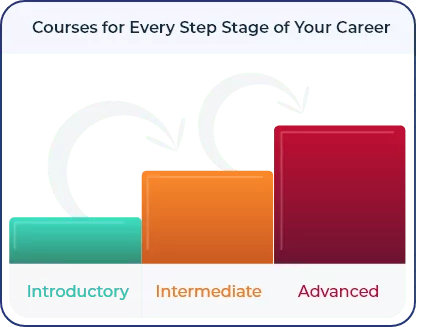
This course is designed for a person who has either attended the Introduction to Project Scheduling with Microsoft Project course, or who is confident that they can create schedules with the tool and successfully baseline them. There is a recap of the basics at the beginning of the course.
Upon successful completion of this course, you will be able to:
- Define when resources are available and assign resources to tasks
- Identify overloaded resources and take steps to balance the load across resources
- Compress an existing schedule
- Set a project baseline
- Share resources across multiple projects using a resource pool
- Record actual progress during the execution of the schedule
- Compare planned versus actual progress
- Generate reports and work assignments